IPTV on Xiaomi Mi Box & TV Stick 4K
Affordable, certified Google TV performance. Stream live sports and premium cinema in 4K HDR on any Xiaomi streaming stick or box.
Système : Android TV
Xiaomi Mi Box S (2nd Gen) and Xiaomi TV Stick 4K are certified Google TV devices that offer incredible value for US cord-cutters. With native Google Play Store access, built-in Chromecast, and Bluetooth remote control, they run all top IPTV players effortlessly.
Pairing your Xiaomi hardware with Strong 8K USA gives you access to 50,000+ live US and international channels, pay-per-view fights, and endless movies without expensive cable contracts.
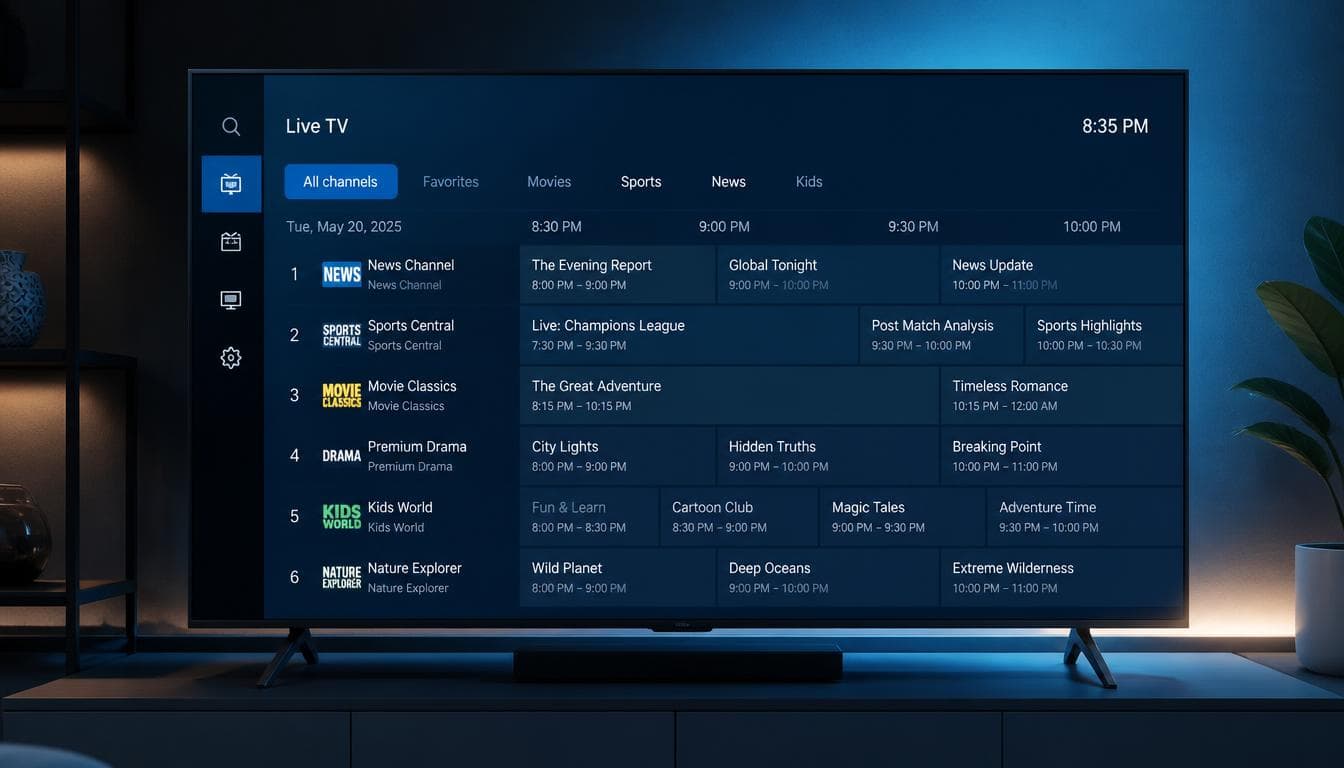
strong8kusa.com sur Xiaomi Mi Box & TV Stick
- Xiaomi TV Box S (1st & 2nd Generation 4K)
- Xiaomi TV Stick 4K and Mi TV Stick 1080p
- Google TV with Google Assistant voice control
- Dolby Vision and Dolby Atmos audio support
Avec votre abonnement
- 50 000+ chaînes en direct
- 180 000+ films & séries
- Guide des programmes (EPG)
- Activation en moins de 60 s
L'essentiel sur Xiaomi Mi Box & TV Stick
Les caractéristiques clés pour configurer votre appareil en toute sérénité.
| Operating System | Google TV / Android TV OS |
| App Marketplace | Official Google Play Store |
| Recommended App | TiviMate Premium / XCIPTV |
| Resolution | Up to 4K Ultra HD @ 60 FPS |
| Casting Support | Google Cast / Chromecast Built-In |
Comment installer l'IPTV sur Xiaomi Mi Box & TV Stick en 4 étapes
La marche à suivre pour configurer strong8kusa.com sur Xiaomi Mi Box & TV Stick.
Power on Xiaomi Box
Plug the Xiaomi device into your TV HDMI port and connect to your home Wi-Fi network.
Download TiviMate or Smarters
Search for 'TiviMate' or 'IPTV Smarters Pro' on the Google Play Store and install it.
Enter Xtream Codes Details
Launch the app and type in your Strong 8K USA server URL, username, and password.
Start Watching
Browse live sports, news, and entertainment channels with fluid remote navigation.
Lecteurs recommandés
Les applications les mieux adaptées à Xiaomi Mi Box & TV Stick.
Problèmes fréquents sur Xiaomi Mi Box & TV Stick
Un tableau clair : le problème, sa cause probable et la solution à appliquer.
| Problème | Cause possible | Solution |
|---|---|---|
| Xiaomi TV Stick overheats or restarts | Powering stick from TV USB port instead of wall outlet | Always connect the Xiaomi TV stick to the included AC wall power adapter for stable voltage. |
| Buffering during live football games | Weak Wi-Fi signal behind the TV | Use the included HDMI extender to move the stick away from TV interference or connect via an OTG Ethernet adapter. |
Besoin d'aide supplémentaire ? Consultez le centre de dépannage complet.
Pages associées
Applications, formats et guides utiles pour tirer le meilleur de votre appareil.
TiviMate IPTV Player
Lecteur IPTV compatible et recommandé.
Voir l'applicationApplicationIPTV Smarters Pro
Lecteur IPTV compatible et recommandé.
Voir l'applicationGuide pratiqueInstall IPTV on Fire TV Stick
Tutoriel détaillé et bonnes pratiques.
Lire le guideAutre appareilIPTV sur Amazon Firestick
Consulter le guide d'installation dédié.
Voir le guideAutre appareilIPTV sur Android TV
Consulter le guide d'installation dédié.
Voir le guidePour choisir la bonne offre, consultez notre guide du meilleur IPTV et les formules d'abonnement. Découvrez aussi les codes Xtream et le format M3U pour la configuration.
Questions fréquentes — IPTV sur Xiaomi Mi Box & TV Stick
Can Xiaomi Mi Box play 4K 60FPS IPTV streams?
Yes, the Xiaomi Mi Box S and TV Stick 4K feature hardware AV1 and HEVC decoders that handle 4K 60FPS smoothly.
Is Google Play Store available on Xiaomi TV Stick?
Yes, all Xiaomi streaming devices run certified Google TV with direct access to thousands of streaming apps.
Un autre souci ? Consultez notre guide de dépannage complet.
Ready to Upgrade Your Home Entertainment?
Join Strong 8K USA today and experience over 50,000 live channels and 180,000 VOD titles in 8K & 4K across all your devices. Instant 60-second automated setup.