IPTV on Infomir MAG Boxes & Stalker Portal
Dedicated hardware designed exclusively for television. Enjoy lightning-quick channel zapping with Strong 8K USA on MAG 322, 524, and 540 Linux receivers.
Système : Linux / Ministra
Infomir MAG set-top boxes are legendary in the IPTV industry for their dedicated focus on pure television viewing. Running custom Linux-based Ministra firmware, MAG boxes boot directly into your channel grid with zero app menus or distractions.
Strong 8K USA fully supports MAG hardware through MAC address authentication. Simply provide your MAG device MAC address (format: 00:1A:79:XX:XX:XX) and point your portal URL to our high-speed server.
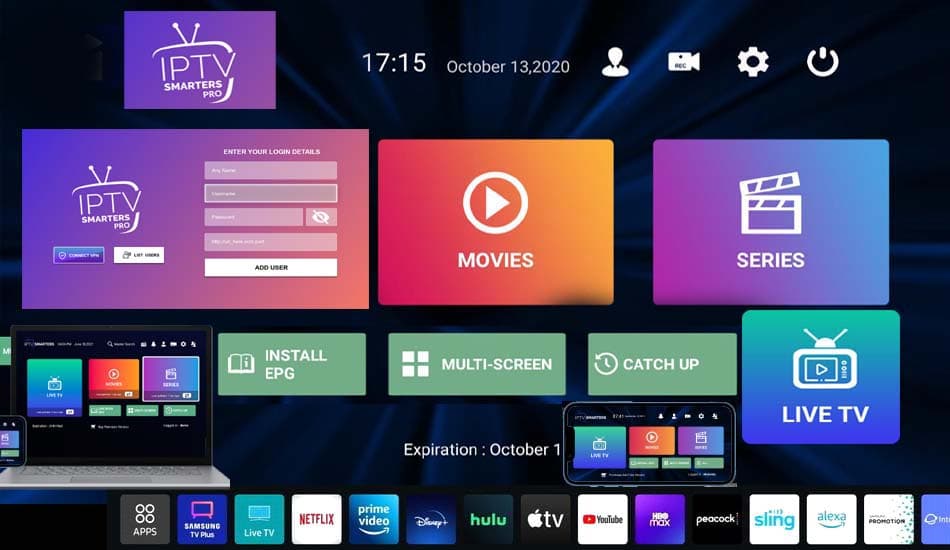
strong8kusa.com sur MAG Box & Stalker Middleware
- MAG 524, MAG 524w3, MAG 540, MAG 544 (4K HEVC Linux)
- MAG 322, MAG 324, MAG 420 (Legacy HD models)
- Dedicated infrared & Bluetooth MAG remote controls
- MAC address based Stalker / Ministra portal architecture
Avec votre abonnement
- 50 000+ chaînes en direct
- 180 000+ films & séries
- Guide des programmes (EPG)
- Activation en moins de 60 s
L'essentiel sur MAG Box & Stalker Middleware
Les caractéristiques clés pour configurer votre appareil en toute sérénité.
| Hardware Manufacturer | Infomir LLC |
| Authentication Type | MAC Address (00:1A:79:XX:XX:XX) |
| Boot Time | Instant boot straight to Live TV |
| Video Codecs | HEVC / H.265, H.264, MPEG-4 |
| Network Interface | 100M/1000M Ethernet + Wi-Fi |
Comment installer l'IPTV sur MAG Box & Stalker Middleware en 4 étapes
La marche à suivre pour configurer strong8kusa.com sur MAG Box & Stalker Middleware.
Find Your MAG MAC Address
Look at the barcode sticker underneath your MAG box to find the MAC address starting with 00:1A:79.
Send MAC to Support
When ordering Strong 8K USA, enter your MAC address in order notes or send it via WhatsApp to activate.
Enter Portal URL
In MAG System Settings > Servers > Portals, enter Portal Name 'Strong 8K' and input the Portal URL provided.
Reboot and Enjoy
Restart your MAG box. It will automatically load the portal and display your channel categories.
Lecteurs recommandés
Les applications les mieux adaptées à MAG Box & Stalker Middleware.
Problèmes fréquents sur MAG Box & Stalker Middleware
Un tableau clair : le problème, sa cause probable et la solution à appliquer.
| Problème | Cause possible | Solution |
|---|---|---|
| 'Your STB is blocked' message on boot | MAC address not yet registered or subscription expired | Send your MAC address to our WhatsApp support (+212625218443) for instant verification in our portal. |
| MAG box stuck on loading portal bar | Wrong portal URL syntax or DNS issue | Verify the portal URL has no trailing spaces and that your internet router is connected. |
Besoin d'aide supplémentaire ? Consultez le centre de dépannage complet.
Pages associées
Applications, formats et guides utiles pour tirer le meilleur de votre appareil.
Native Stalker Portal
Configure via MAG portal URL.
Voir l'applicationGuide pratiqueIPTV Streaming Glossary
Tutoriel détaillé et bonnes pratiques.
Lire le guideAutre appareilIPTV sur Android TV Box
Consulter le guide d'installation dédié.
Voir le guideAutre appareilIPTV sur Amazon Firestick
Consulter le guide d'installation dédié.
Voir le guidePour choisir la bonne offre, consultez notre guide du meilleur IPTV et les formules d'abonnement. Découvrez aussi les codes Xtream et le format M3U pour la configuration.
Questions fréquentes — IPTV sur MAG Box & Stalker Middleware
How do I activate Strong 8K USA on a MAG box?
Unlike Android where you use a username and password, MAG boxes require your device MAC address. Provide it during checkout or via WhatsApp for 60-second activation.
Do MAG boxes support 4K channels?
Yes. Newer models like MAG 524 and MAG 540 support 4K 60FPS HEVC video streams.
Un autre souci ? Consultez notre guide de dépannage complet.
Ready to Upgrade Your Home Entertainment?
Join Strong 8K USA today and experience over 50,000 live channels and 180,000 VOD titles in 8K & 4K across all your devices. Instant 60-second automated setup.