IPTV for Mac & MacBook (Apple Silicon & Intel)
Enjoy Retina display clarity and flawless battery efficiency on macOS. Discover the best Mac IPTV apps for live sports and cinema.
Système : macOS Sonoma / Ventura
Mac users appreciate sleek design, high-resolution Retina displays, and battery efficiency. Thanks to Apple Silicon (M1, M2, M3, M4 chips), Macs handle 4K 60 FPS video streams with virtually zero power consumption.
Whether you prefer dedicated apps like IPTV Smarters Pro for macOS, modern open-source players like IINA, or universal tools like VLC, Strong 8K USA delivers ultra-fast live television straight to your Mac.
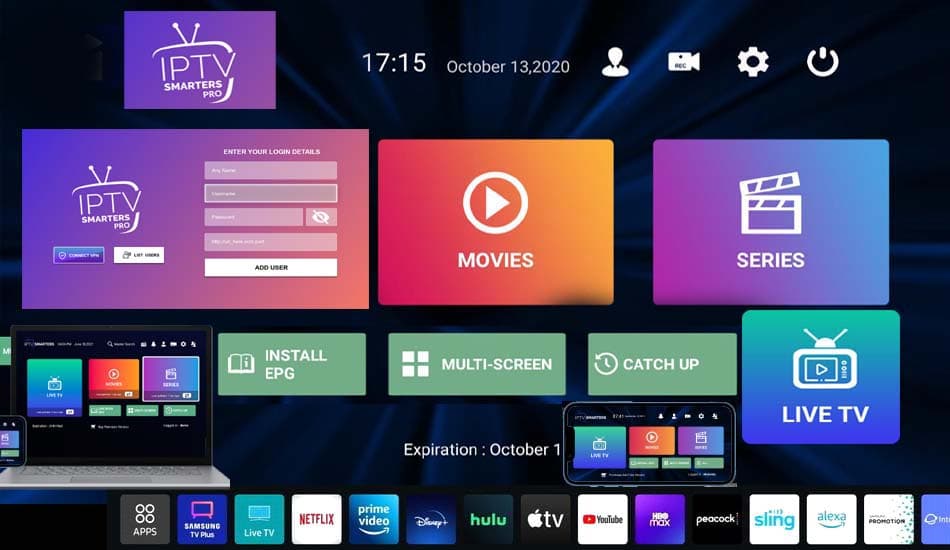
strong8kusa.com sur Mac (macOS)
- macOS Sequoia, Sonoma, Ventura, Monterey
- Optimized for Apple Silicon (M1, M2, M3, M4) & Intel Macs
- Supports Picture-in-Picture (PiP) multitasking
- AirPlay to Apple TV and external displays
Avec votre abonnement
- 50 000+ chaînes en direct
- 180 000+ films & séries
- Guide des programmes (EPG)
- Activation en moins de 60 s
L'essentiel sur Mac (macOS)
Les caractéristiques clés pour configurer votre appareil en toute sérénité.
| Operating System | Apple macOS (Sonoma / Ventura) |
| Silicon Architecture | Native Apple Silicon & Intel |
| Recommended App | IPTV Smarters Mac / IINA |
| Multitasking Mode | Native macOS Picture-in-Picture |
| Stream Formats | Xtream API & M3U8 Playlist |
Comment installer l'IPTV sur Mac (macOS) en 4 étapes
La marche à suivre pour configurer strong8kusa.com sur Mac (macOS).
Download IPTV Smarters for Mac
Download the macOS .dmg installer and drag the app into your Applications folder.
Grant Network Permissions
Open the app and grant network permissions when prompted by macOS Gatekeeper.
Enter Xtream Codes API
Enter your Strong 8K USA server URL, username, and password.
Enable Picture-in-Picture
Pop out the video window and watch live sports while working in other Mac apps.
Lecteurs recommandés
Les applications les mieux adaptées à Mac (macOS).
Problèmes fréquents sur Mac (macOS)
Un tableau clair : le problème, sa cause probable et la solution à appliquer.
| Problème | Cause possible | Solution |
|---|---|---|
| 'App cannot be opened because developer cannot be verified' | macOS Gatekeeper security check | Right-click (Control-click) the app icon and select 'Open', then click 'Open' in the dialog box. |
Besoin d'aide supplémentaire ? Consultez le centre de dépannage complet.
Pages associées
Applications, formats et guides utiles pour tirer le meilleur de votre appareil.
VLC Media Player for Mac
Lecteur IPTV compatible et recommandé.
Voir l'applicationApplicationIPTV Smarters Pro macOS
Lecteur IPTV compatible et recommandé.
Voir l'applicationGuide pratiqueM3U Playlist Format Guide
Tutoriel détaillé et bonnes pratiques.
Lire le guideAutre appareilIPTV sur Windows PC
Consulter le guide d'installation dédié.
Voir le guideAutre appareilIPTV sur iPhone & iPad
Consulter le guide d'installation dédié.
Voir le guidePour choisir la bonne offre, consultez notre guide du meilleur IPTV et les formules d'abonnement. Découvrez aussi les codes Xtream et le format M3U pour la configuration.
Questions fréquentes — IPTV sur Mac (macOS)
Can I use Picture-in-Picture on Mac with IPTV?
Yes. Native macOS players like IINA and web browser players allow full Picture-in-Picture mode so you can watch live TV while working.
Does IPTV work on M1/M2/M3 MacBooks?
Flawlessly. Apple Silicon video decoders render 4K 60FPS video with near-zero CPU usage and exceptional battery life.
Un autre souci ? Consultez notre guide de dépannage complet.
Ready to Upgrade Your Home Entertainment?
Join Strong 8K USA today and experience over 50,000 live channels and 180,000 VOD titles in 8K & 4K across all your devices. Instant 60-second automated setup.